
Community
Browse the social wall with Following and All tabs
The Community screen is the social wall inside Calisteniapp.
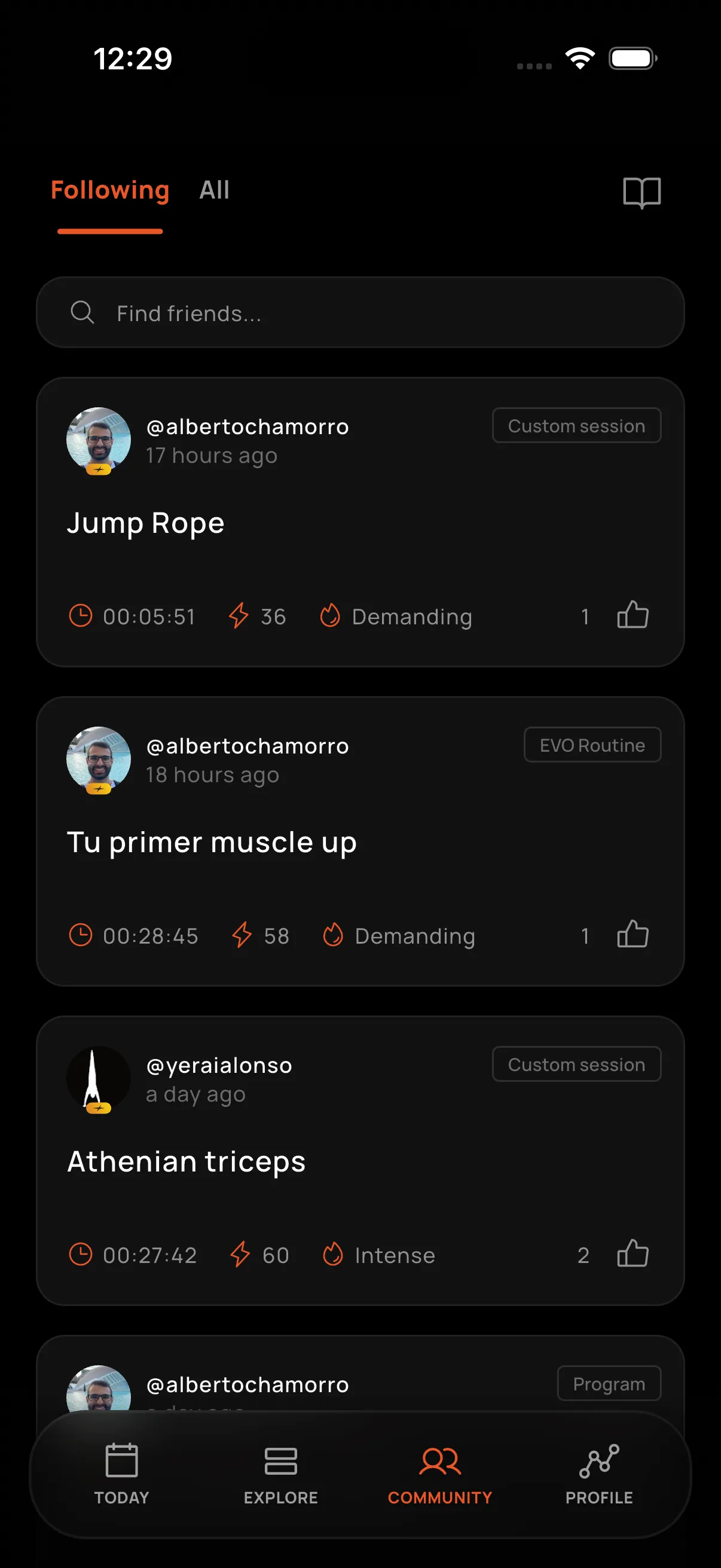
Following
See activities, workouts, and posts from the people you follow.
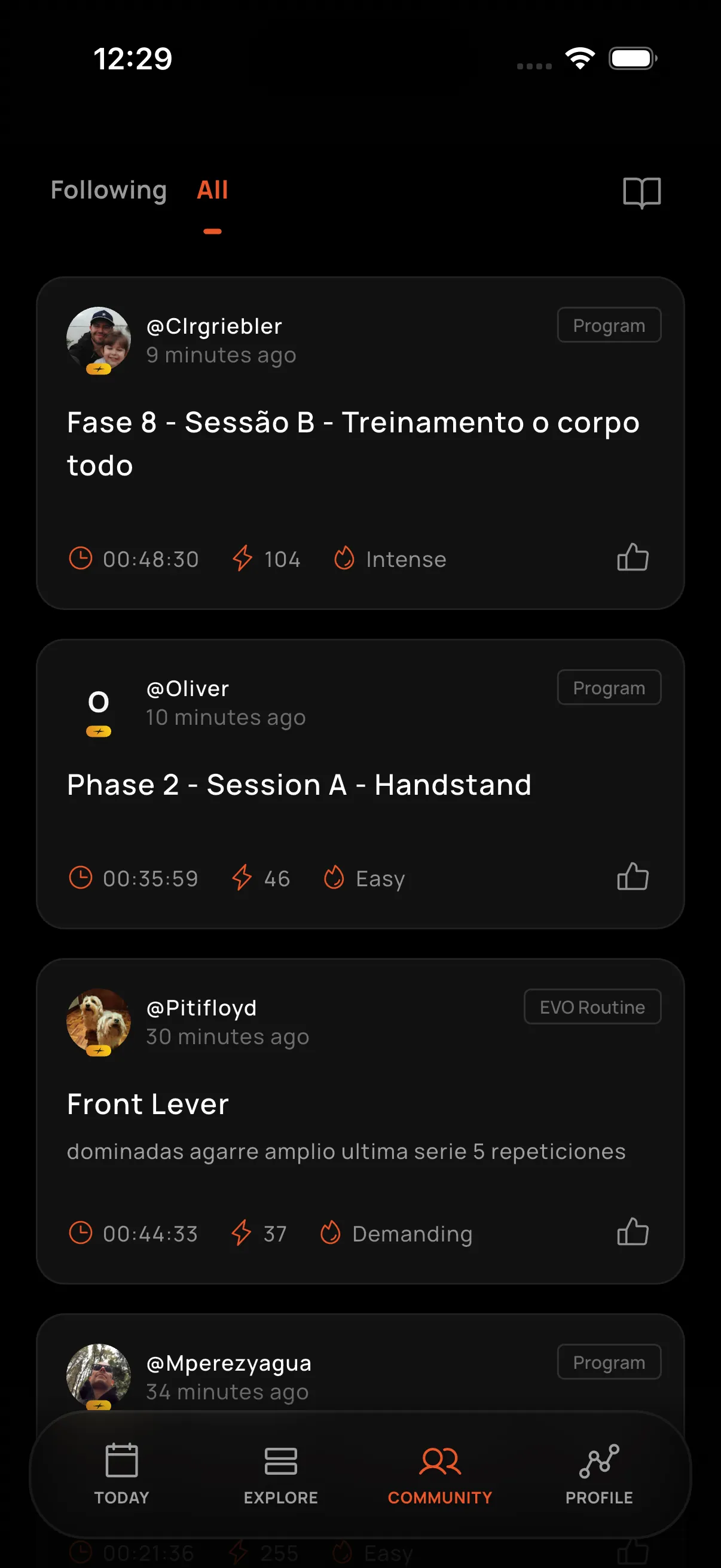
All
See public profiles from the whole Calisteniapp community.
Blocking and reporting users
To control who you interact with, open another user's profile and tap the three-dot menu. You can choose between:
- Block user: prevent both of you from seeing each other's content and interacting with one another.
- Block and report: also let our team know about inappropriate behavior. Select a reason and add comments to complete the report.
When you block someone:
- Neither of you can see the other's profile, posts, or comments.
- Interactions between you, such as following, liking, replying, and mentioning one another, are prevented.
- Any following relationships between you are removed.
Unblocking a user does not automatically restore previous following relationships.
View and manage your list in Settings → Blocked users. Learn more in Blocked users.
Support
Tap the book icon in Community to open Support, where you can find help articles and guidance.